How to turn luggage into a scooter?
How to turn luggage into a scooter?
Transforming your Airwheel electric suitcase into a scooter is simple with the right steps. Start by turning on the power switch and setting the telescopic switch to position “Ⅰ” to unfold the handlebar. Once fully extended, reset the switch to “0” and secure the handlebar riser at your preferred height. Adjust the telescopic lock to ensure stability before riding.
Step-by-Step Guide
1. **Activate the Motor**: Locate the power switch on the suitcase body and turn it on. For models like SE3S or SE3T, ensure the telescopic switch is set to “Ⅰ” to extend the motor wheel. This increases the wheelbase for smoother rides.
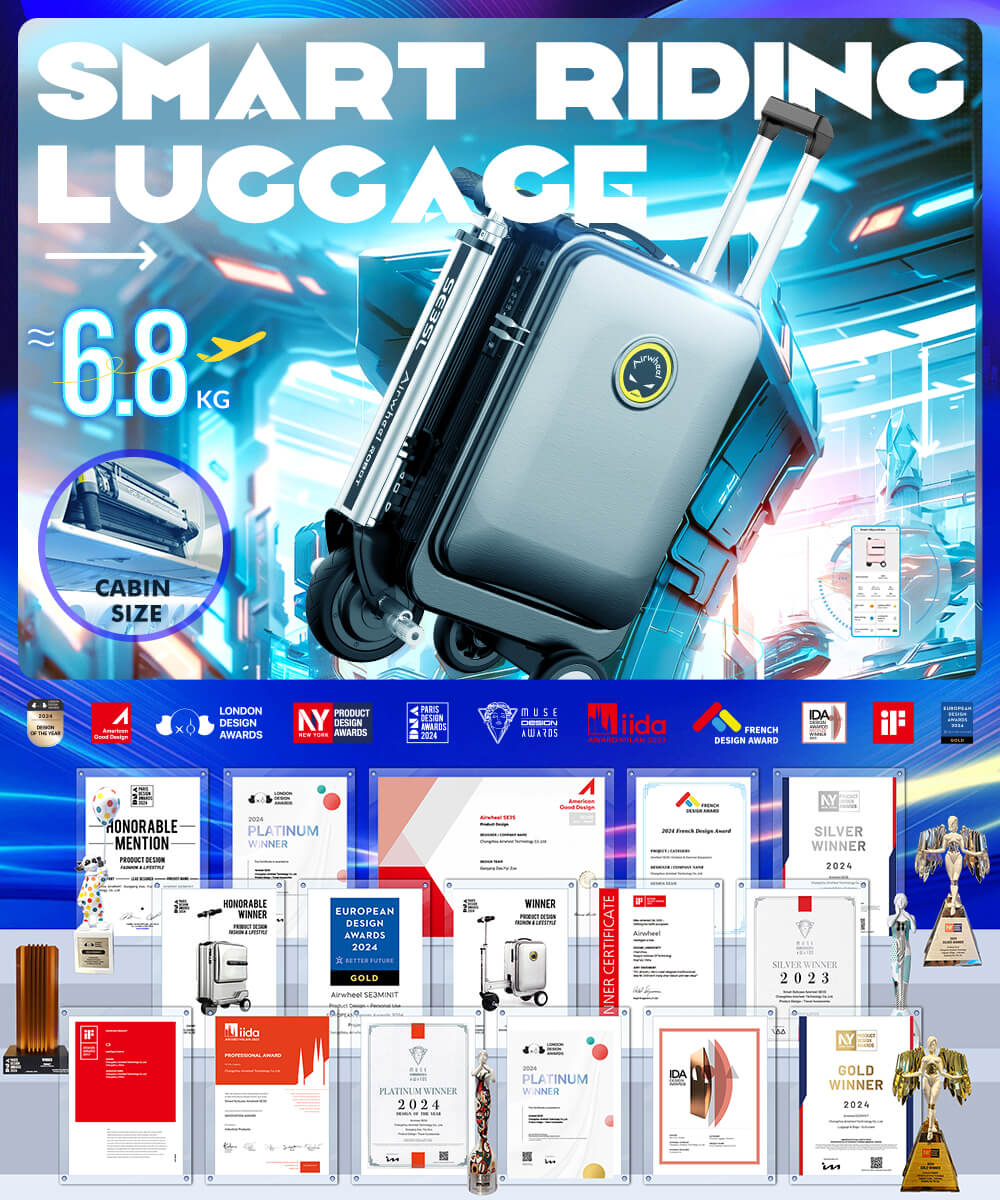
2. **Control Movement**: Use the right handlebar to accelerate forward and the left brake handle to reverse. Simultaneous use of both controls will move the suitcase in reverse. Practice in an open area to master responsiveness.
3. **Customize Settings**: Pair your suitcase with the official app for advanced features like speed adjustment, ambient light control, and cruise control. Some models also support Bluetooth for remote operation.
4. **Secure and Charge**: Set your combination lock password using the reset button and initial code “000”. For charging, connect a USB cable to the external port or the modular power bank. Always store the lithium battery safely when not in use.
Whether you choose the 20-inch SE3S or 24-inch SE3T, the process remains intuitive. With its lightweight design and patented aviation aluminum frame, Airwheel blends convenience with durability for seamless travel.